Leveraging AI for Graphic Design


Related Posts :




Have you noticed how quickly AI tools have begun reshaping visual and motion design work in eLearning?
Visual design in eLearning is not merely for aesthetics. Visuals guide attention, reduce cognitive load, reinforce meaning, and make learning stick. The catch has always been that visual development is one of the most labor-intensive parts of building a course. AI is changing this.
From novelty to necessity
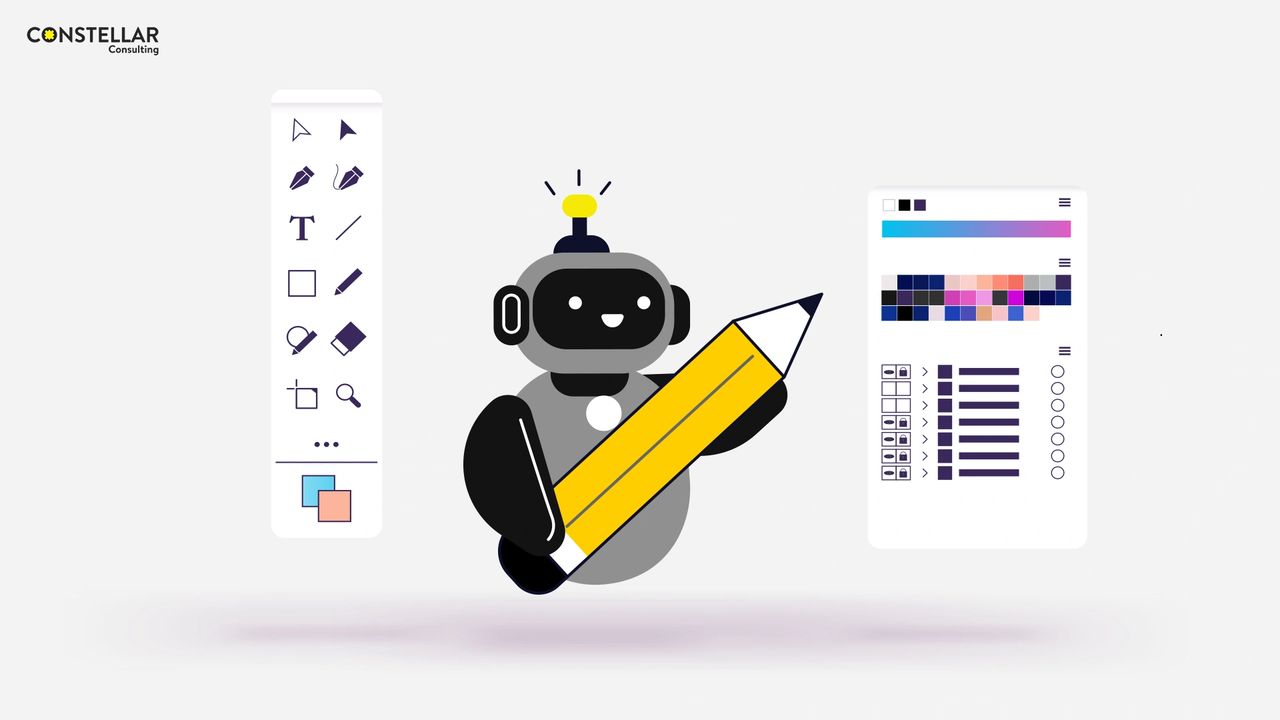
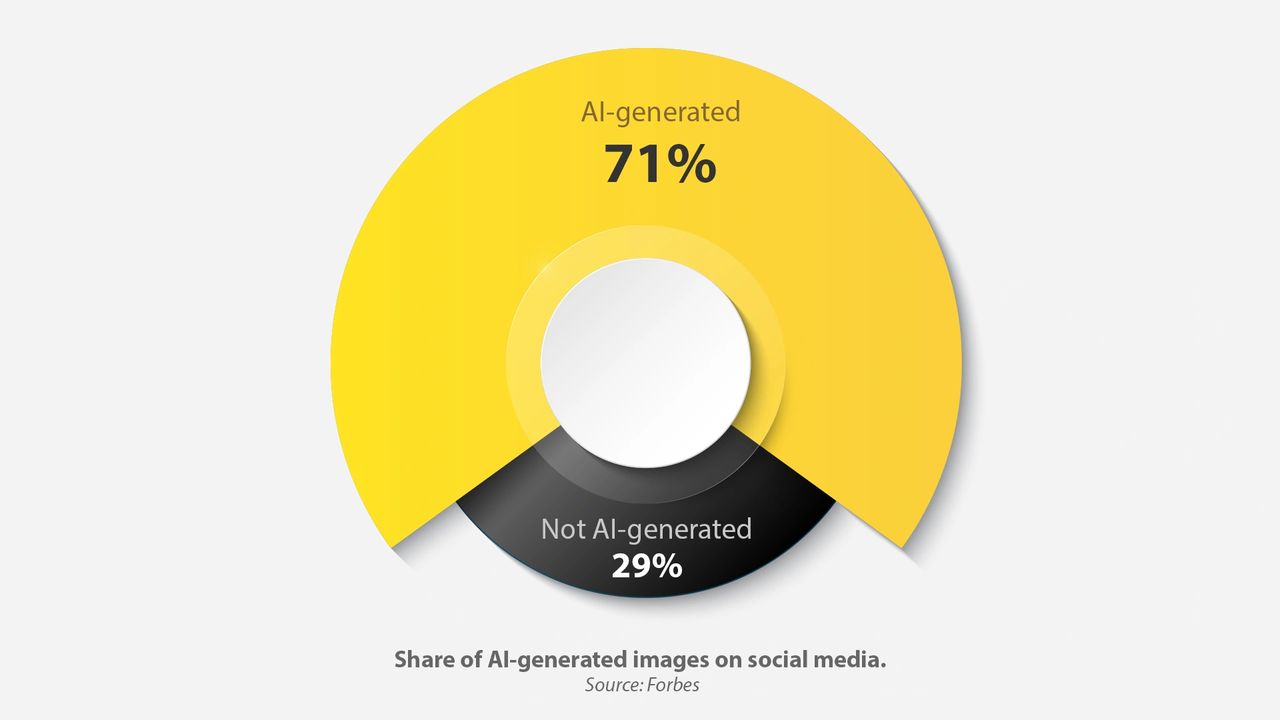
Over the last two years, AI moved from “nice demo” to daily utility. Today, text-to-image and text-to-video tools support creative exploration at a speed that was simply not possible before. There are hundreds of AI image generation tools available online, and using them, 34 million AI-generated images are created daily. Nearly 71% of what we might be seeing on social media might now be AI-generated.
Does that mean visual designers and motion designers are becoming less relevant? Not at all. In fact, they’re more important than ever, because designers are the ones who shape meaning, without which eLearning means nothing.
So how exactly is AI enhancing visual design in eLearning? Let’s find out.
1. Enhancing visual asset generation
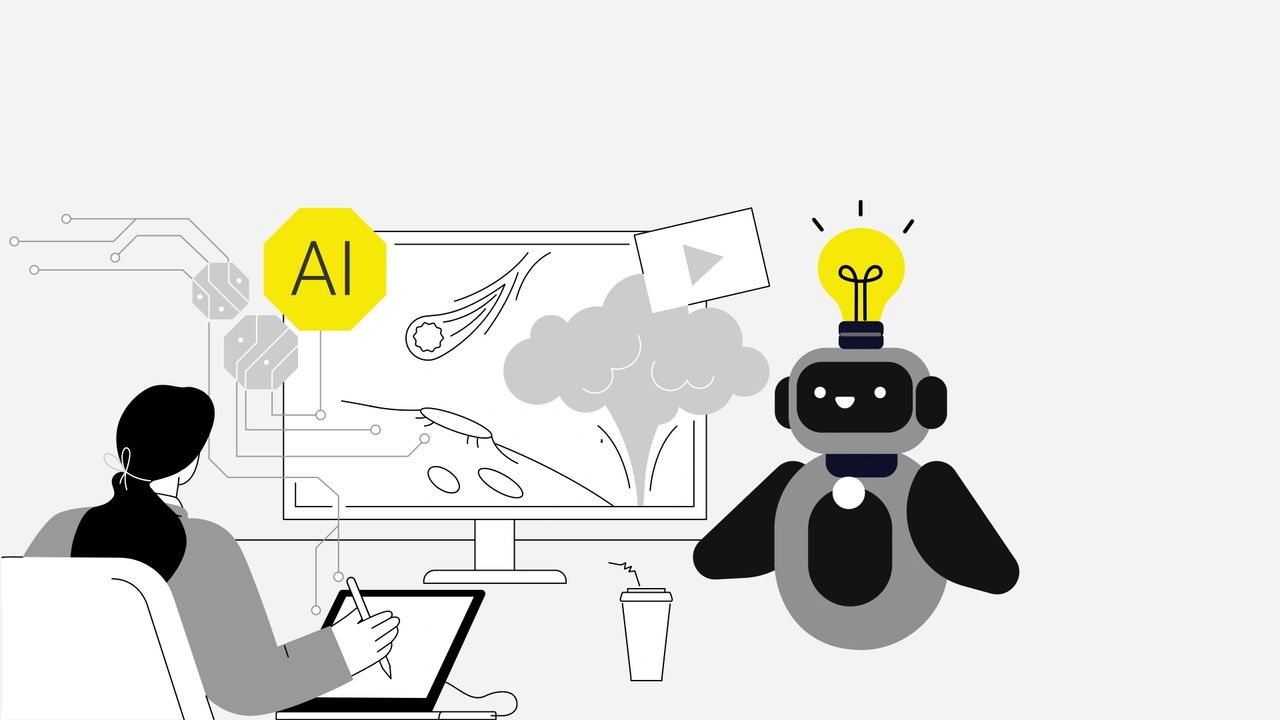
Strong visual design enhances clarity and improves retention. Generative AI tools allow designers to create images simply by describing what they need. These tools are particularly useful when:
- Stock images look too generic
- Professional photography is not feasible
- Customized visuals are required
With AI tools, designers create:
- Characters that resemble real roles and demographics to ensure equitable representation
- Contextual images, backgrounds, and environments that place learners inside realistic scenarios
- Infographics and technical diagrams that distill information into digestible visuals
- Icons and UI elements that guide attention and support intuitive navigation
- Vector illustrations that visualize concepts, processes, workflows, and more with clarity
These visuals can then be directly edited in design software to maintain visual and branding consistency.
Not just that, AI tools also help with enhancing visuals through features like:
- Removing or replacing backgrounds
- Adjusting lighting or facial expressions
- Replacing or adding objects
- Increasing image resolution
- Recoloring to match brand palettes
The result is not simply “AI-generated visuals,” but designer-led visuals produced more efficiently.
2. Simplifying motion graphics and animation
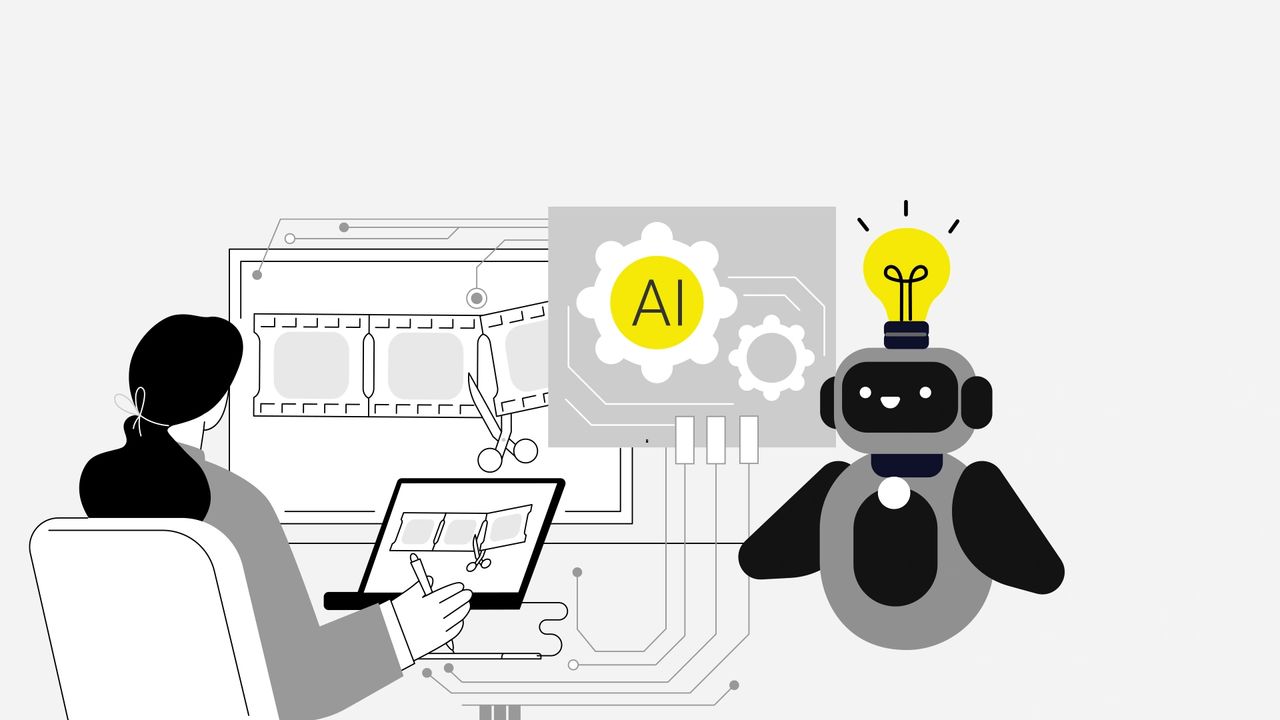
Motion graphics help simplify and explain complex ideas. But, to produce them traditionally, specialized software, extended timelines, and countless micro adjustments were needed. AI tools now remove many of these barriers.
With AI, designers can now generate animation sequences, transitions, and character motions using natural-language inputs. This makes it possible to produce:
- Text-to-video explainers for concepts
- Image-to-animation to enhance static diagrams
- Simulations or procedural walk-throughs
- Animated role-based scenarios
- Engaging visual metaphors
AI simplifies the tedious, repetitive steps, while designers continue to direct the creative and instructional intent. AI can generate options, but only designers can determine what truly supports the learning goal.
3. Personalizing visuals
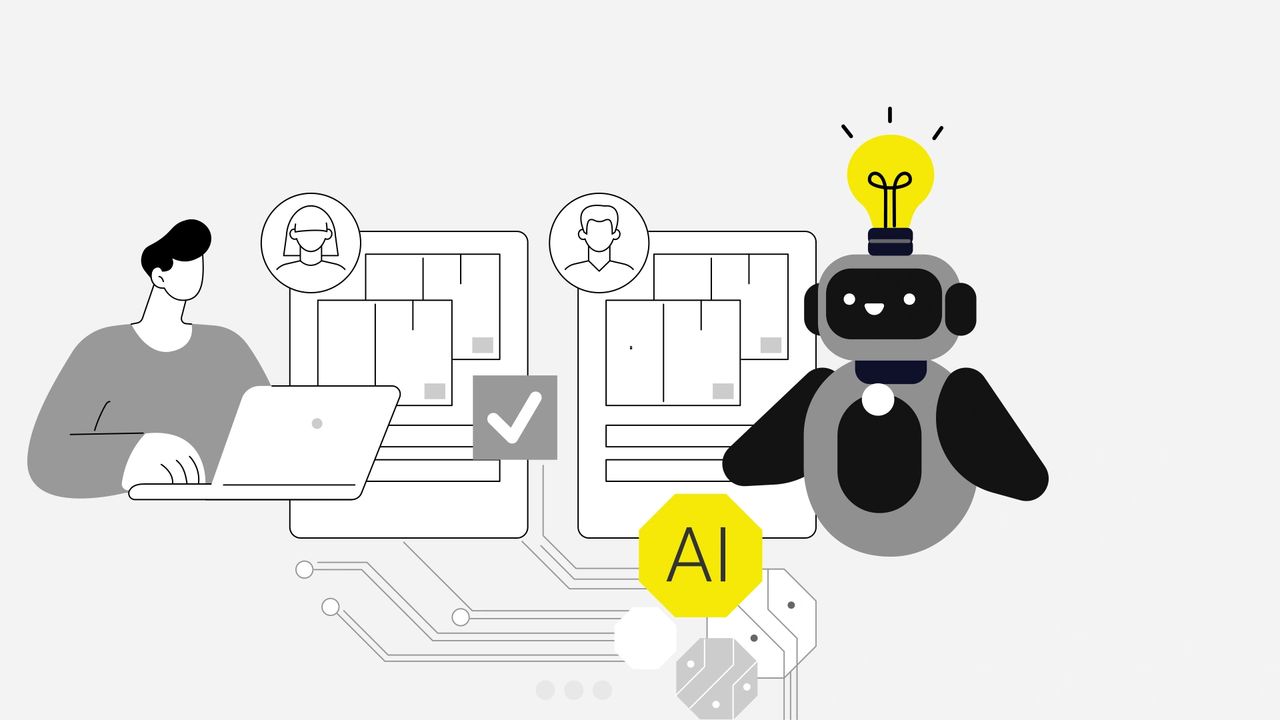
When courses adapt to the learner, visuals should adapt as well. With AI, now this is more practical to implement. Visuals can be adjusted based on role, experience level, or context without having to redesign entire screens. For example, AI can help:
- Create personas or environments based on role or region
- Adjust complexity of diagrams depending on prior knowledge
- Deliver variant examples that reflect a learner’s industry or product line
Used well, this kind of personalization directly supports relevance, which in turn boosts engagement and learning transfer.
However, these updates still require review. A visual may be technically correct but contextually off. That’s where designers come in.
Skills that matter more than ever

The designer’s role does not diminish in an AI-supported workflow. It becomes more focused. AI can generate assets, but it cannot decide why a certain visual is needed, how it should guide attention, or where it fits in the learning journey.
Designers remain essential because they bring:
- Visual storytelling grounded in learning science
- Information design and diagramming, not just decoration
- Motion literacy and judgment in timing and attention control
- Ethical judgment and cultural intelligence for inclusivity
- Ability to translate SME-provided complexity into learner-ready visuals
Final word
At Constellar Consulting, we integrate AI intentionally, using it to speed up repetitive tasks while keeping design strategy firmly in human hands.
Our designers focus on:
- Visual communication that is clear and purposeful
- Visual storytelling that connects with learners
- Visual design that supports learning goals
AI is our co-creator while designers remain the authors.
How do you see AI reshaping the visual design in your eLearning experiences? Let’s talk.