We tested AI course tools. Here’s where they actually help

Introduction

Learning teams have consistently adapted to evolving tools, regulations, processes, and business priorities. But AI is pushing the pace beyond what traditional training cycles can handle.

In response, AI-powered course creation and authoring tools now promise one-click development from documents, videos, and recordings, with claims of five to hundred times speed gains. 

The appeal is obvious. So, we tested these tools at Constellar Consulting. What we found was revealing.

Read on to see what these tools genuinely enable, where they fall short, and where human judgment remains essential.

What AI enables 

Expectation: Complete, ready-to-launch courses in minutes

Reality: Faster starting points and easier change

AI tools do not deliver finished courses. Rather, they help generate initial course outlines, learning objectives, and lesson structures from source material. This reduces setup time and gives designers a draft to work with instead of a blank page. When products, policies, or processes change, related summaries, examples, assessments, and translations can be regenerated without rebuilding entire courses.

Expectation: Easy conversion of source content

Reality: Flexible formats and scalable learning

AI does not automatically make content universally relevant. What it does make easier is expressing the same learning intent across multiple formats—slides, videos, microlearning units, and scenarios—with far less production effort. This makes it easier to break large programs into smaller, reusable units that are easier to update, recommend, and maintain at scale.

Expectation: Automatic personalization of learning

Reality: Adaptive execution through interactivity and assessment

AI does not understand learners or performance needs on its own. Instead, AI-powered tools and code generators make it easier to implement adaptive elements like custom interactivities, learning paths, assessments, and feedback. The real benefit is not automation for its own sake, but the ability to keep practice and feedback aligned as content evolves.

Expectation: AI tutors replace instructors, facilitators, and coaches

Reality: Extended learning support

AI tutors do not replace human instruction. But, course-specific AI tutors, built on approved content, can provide consistent, on-demand support over time. Used carefully, they extend learning beyond formal instruction without replacing it.

The risks AI introduces in eLearning development

AI removes constraints, but it also introduces new risks that must be managed deliberately.

Data and governance risks

AI tools, without strong safeguards, can expose confidential data, intellectual property, or regulated information through reuse, leakage, or external model training. At Constellar, we work within client data protection and compliance policies, carefully defining what content can be used, how it is processed, and which tools are appropriate for the data involved.

Reliability concerns

AI output is probabilistic. It can sound confident while being incomplete or wrong. In learning contexts, this matters because inaccurate explanations shape mental models. For this reason, we treat AI-generated content as a starting point, with learning material always reviewed and validated by human experts before it reaches learners.

Instructional quality risks

AI-generated content often favors clarity and completeness over learning effectiveness. This works for awareness and knowledge sharing, but not for skill development, behavior change, or performance improvement. We mitigate this by anchoring every solution in clearly defined learning outcomes and using AI to support execution, not to decide instructional intent.

Overconfidence and sameness

Because content can be produced quickly, poor decisions can scale just as fast. Over time, learning experiences risk becoming efficient but generic without strong human direction. At Constellar, we ensure eLearning remains relevant, differentiated, and effective through intentional design choices and learning-goal-driven decisions.

Where AI-powered tools fit best

AI-powered learning tools primarily accelerate execution in:

  • Transforming existing material into learning assets
  • Reducing effort in production-heavy tasks (formatting, media creation, localization, updates etc.)

They do not:

  • Define learning problems.
  • Determine whether training is the right solution.
  • Decide how learning should transfer to real work.

Those decisions require human judgment. The distinction becomes clear when learning needs are viewed side by side.
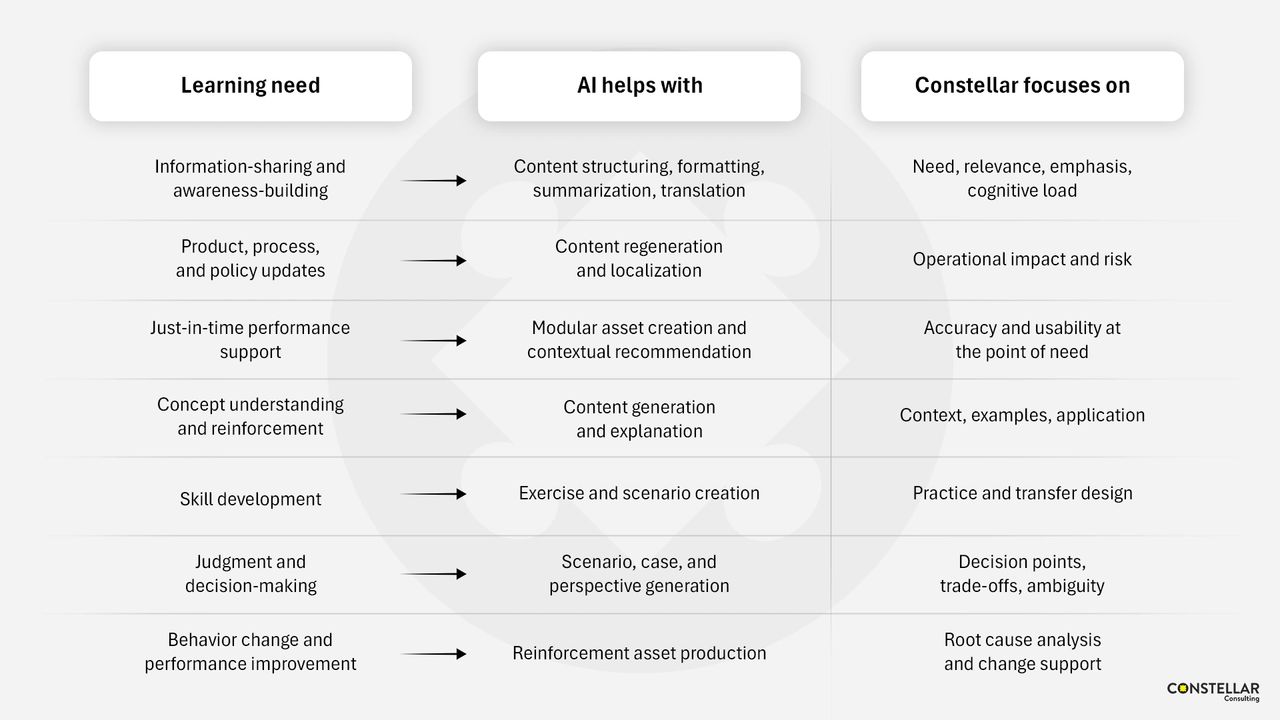
Information-sharing and awareness-building

  • AI: Helps with structuring, formatting, summarizing, and translating content. 
  • Designers: Focus on determining need, relevance, emphasis, and cognitive load.

Product, process, and policy updates

  • AI: Supports regenerating and localizing courses quickly. 
  • Designers: Evaluate operational impact and risk to ensure updates reflect real-world implications.

Just-in-time performance support

  • AI: Enables the creation of modular assets, micro-content, and contextual recommendations. 
  • Designers: Ensure accuracy and usability at the point of need.

Concept understanding and reinforcement

  • AI: Assists with content production, updating examples, and generating variations.
  • Designers: Provide context, select meaningful examples, and guide application.

Skill development

  • AI: Helps draft exercises and scenarios. 
  • Designers: Design practice and support learning transfer to real situations.

Judgment and decision-making

  • AI: Helps generate scenarios, cases, studies, and alternative viewpoints. 
  • Designers: Frame trade-offs and manage ambiguity.

Behavior change and performance improvement

  • AI: Helps produce reinforcement assets at scale. 
  • Designers: Diagnose root causes and support sustained behavior change.

Closing reflection

AI has reduced much of the invisible labor that once dominated eLearning development. What remains is the work that determines learning quality: judgment, context, intent, and meaning.

This is how Constellar approaches AI in eLearning development: using efficiency to create space for better thinking, not simply more output.

How can you benefit from this improvement in your organization? Let’s talk.
Leveraging AI for Graphic Design

Have you noticed how quickly AI tools have begun reshaping visual and motion design work in eLearning?   

Visual design in eLearning is not merely for aesthetics. Visuals guide attention, reduce cognitive load, reinforce meaning, and make learning stick. The catch has always been that visual development is one of the most labor-intensive parts of building a course. AI is changing this.

From novelty to necessity

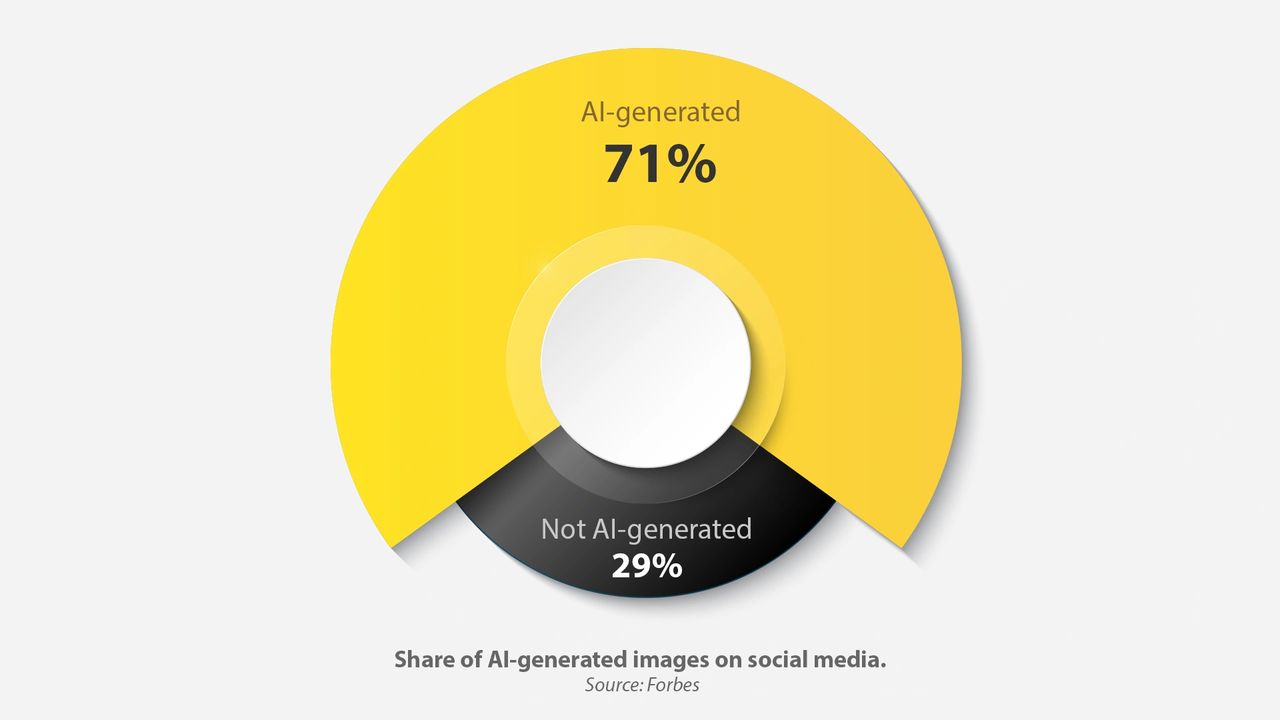
Over the last two years, AI moved from “nice demo” to daily utility. Today, text-to-image and text-to-video tools support creative exploration at a speed that was simply not possible before. There are hundreds of AI image generation tools available online, and using them, 34 million AI-generated images are created daily. Nearly 71% of what we might be seeing on social media might now be AI-generated.

Does that mean visual designers and motion designers are becoming less relevant? Not at all. In fact, they’re more important than ever, because designers are the ones who shape meaning, without which eLearning means nothing.

So how exactly is AI enhancing visual design in eLearning? Let’s find out.

1. Enhancing visual asset generation  

Strong visual design enhances clarity and improves retention. Generative AI tools allow designers to create images simply by describing what they need. These tools are particularly useful when:

  • Stock images look too generic
  • Professional photography is not feasible
  • Customized visuals are required

With AI tools, designers create:   

  • Characters that resemble real roles and demographics to ensure equitable representation  
  • Contextual images, backgrounds, and environments that place learners inside realistic scenarios
  • Infographics and technical diagrams that distill information into digestible visuals
  • Icons and UI elements that guide attention and support intuitive navigation
  • Vector illustrations that visualize concepts, processes, workflows, and more with clarity

These visuals can then be directly edited in design software to maintain visual and branding consistency.

Not just that, AI tools also help with enhancing visuals through features like:

  • Removing or replacing backgrounds
  • Adjusting lighting or facial expressions
  • Replacing or adding objects
  • Increasing image resolution
  • Recoloring to match brand palettes

The result is not simply “AI-generated visuals,” but designer-led visuals produced more efficiently.

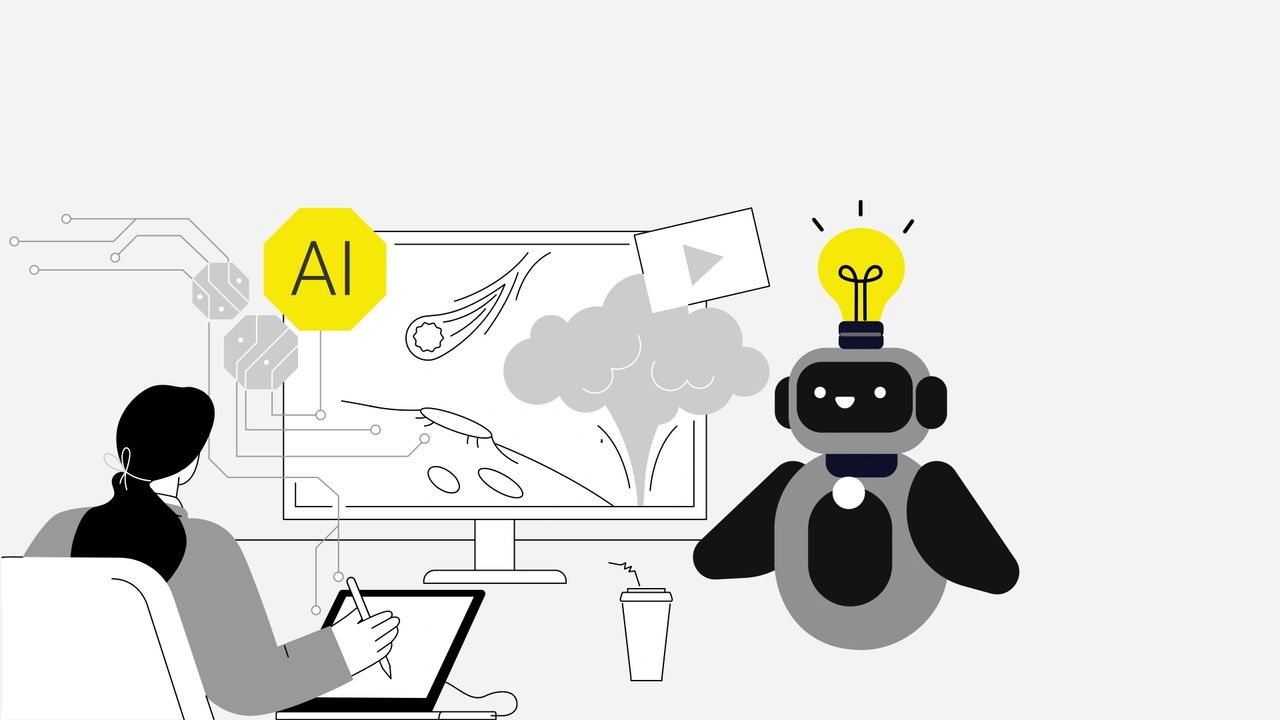
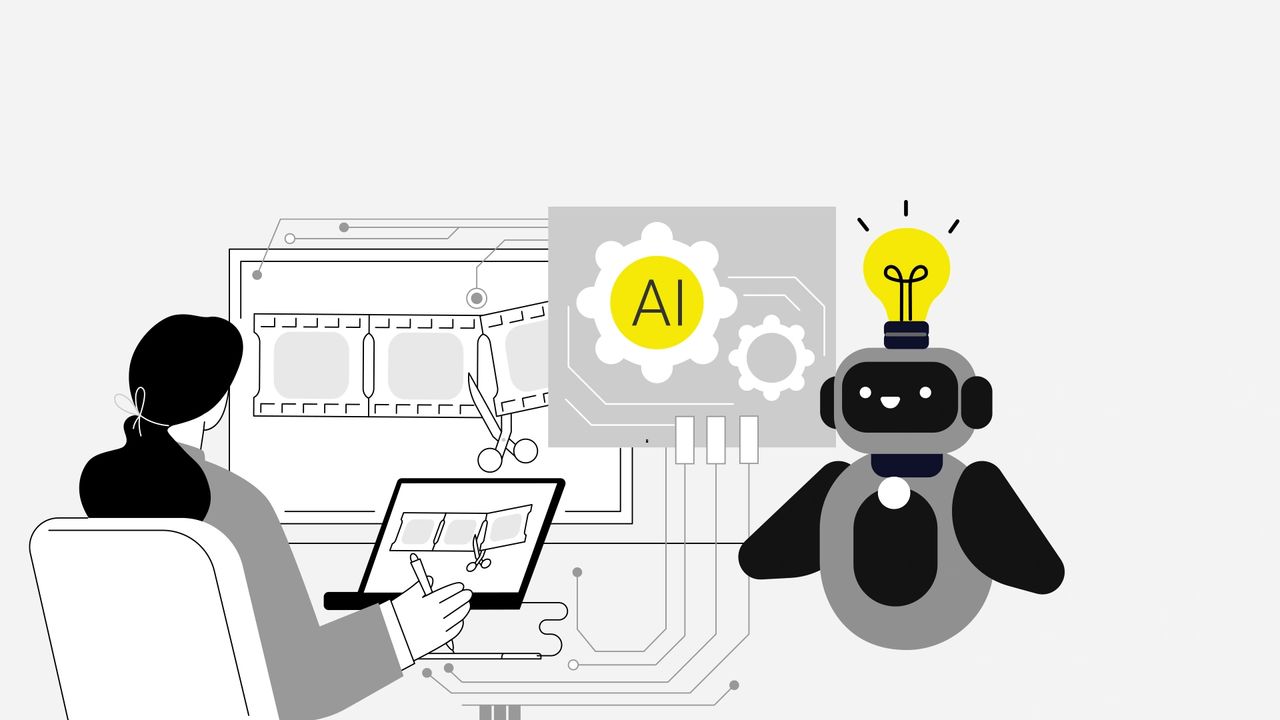
2. Simplifying motion graphics and animation  

Motion graphics help simplify and explain complex ideas. But, to produce them traditionally, specialized software, extended timelines, and countless micro adjustments were needed. AI tools now remove many of these barriers.

With AI, designers can now generate animation sequences, transitions, and character motions using natural-language inputs. This makes it possible to produce:  

  • Text-to-video explainers for concepts
  • Image-to-animation to enhance static diagrams
  • Simulations or procedural walk-throughs
  • Animated role-based scenarios
  • Engaging visual metaphors

AI simplifies the tedious, repetitive steps, while designers continue to direct the creative and instructional intent. AI can generate options, but only designers can determine what truly supports the learning goal. 

3. Personalizing visuals

When courses adapt to the learner, visuals should adapt as well. With AI, now this is more practical to implement. Visuals can be adjusted based on role, experience level, or context without having to redesign entire screens. For example, AI can help:  

  • Create personas or environments based on role or region
  • Adjust complexity of diagrams depending on prior knowledge
  • Deliver variant examples that reflect a learner’s industry or product line

Used well, this kind of personalization directly supports relevance, which in turn boosts engagement and learning transfer.

However, these updates still require review. A visual may be technically correct but contextually off. That’s where designers come in.

Skills that matter more than ever

The designer’s role does not diminish in an AI-supported workflow. It becomes more focused. AI can generate assets, but it cannot decide why a certain visual is needed, how it should guide attention, or where it fits in the learning journey. 

Designers remain essential because they bring:

  • Visual storytelling grounded in learning science
  • Information design and diagramming, not just decoration
  • Motion literacy and judgment in timing and attention control
  • Ethical judgment and cultural intelligence for inclusivity
  • Ability to translate SME-provided complexity into learner-ready visuals

Final word

At Constellar Consulting, we integrate AI intentionally, using it to speed up repetitive tasks while keeping design strategy firmly in human hands. 

Our designers focus on:

  • Visual communication that is clear and purposeful
  • Visual storytelling that connects with learners
  • Visual design that supports learning goals

AI is our co-creator while designers remain the authors.

How do you see AI reshaping the visual design in your eLearning experiences? Let’s talk.

Leveraging AI for Instructional Design

Have you wondered how the rapid advancements in AI are impacting the instructional design market? 

The eLearning landscape is evolving faster than ever, and AI is at the forefront of this transformation.  

AI helps streamline content refinement, simplify complex subjects, enhance storytelling, and personalize learning more efficiently than before. 

But does this mean instructional designers aren’t needed anymore? Not at all. In fact, they’re more important than ever. AI is a great tool, but it needs instructional designer oversight and post-processing to ensure AI output is comprehensive, fully accurate, and aligned with larger learning needs. IDs provide the strategy, context, and big-picture thinking that AI just can’t replicate. 

So, how exactly is this transformation unfolding? And what does this mean for organizations and learners? 

Let’s explore the remarkable ways AI is shaping the future of instructional design. 

Instructional designers often grapple with a vast array of content types like: 

  • Data-heavy spreadsheets
  • Extensive PowerPoint presentations
  • Audio or video recordings of SME sessions
  • PDFs of policy documents and technical manuals
  • Dense research articles, white papers, and case studies
  • Transcripts of interviews or focus groups

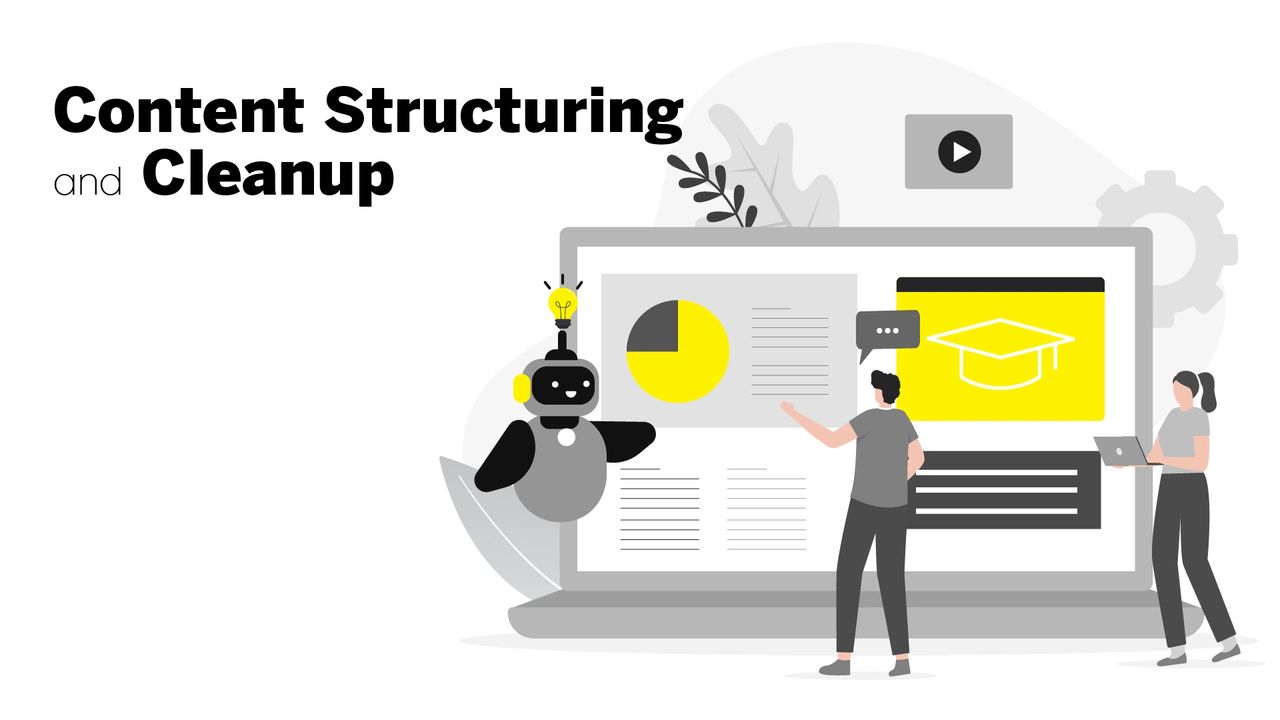
The content within such varied material often requires thorough analysis, restructuring, rephrasing, etc. to meet instructional goals. These tasks take a significant amount of time not just for IDs but for L&D managers and content SMEs. 

AI-driven tools excel at summarizing, organizing, and refining such raw content to ensure coherence and consistency. More specifically, they offer ways to make the content engaging by suggesting improvements to:

  • Tone
  • Grammar
  • Readability
  • Flow
  • Structure

As AI helps with content structuring and cleanup, it frees IDs and SMEs to focus on devising effective learning strategies and aligning content with business and learning objectives.

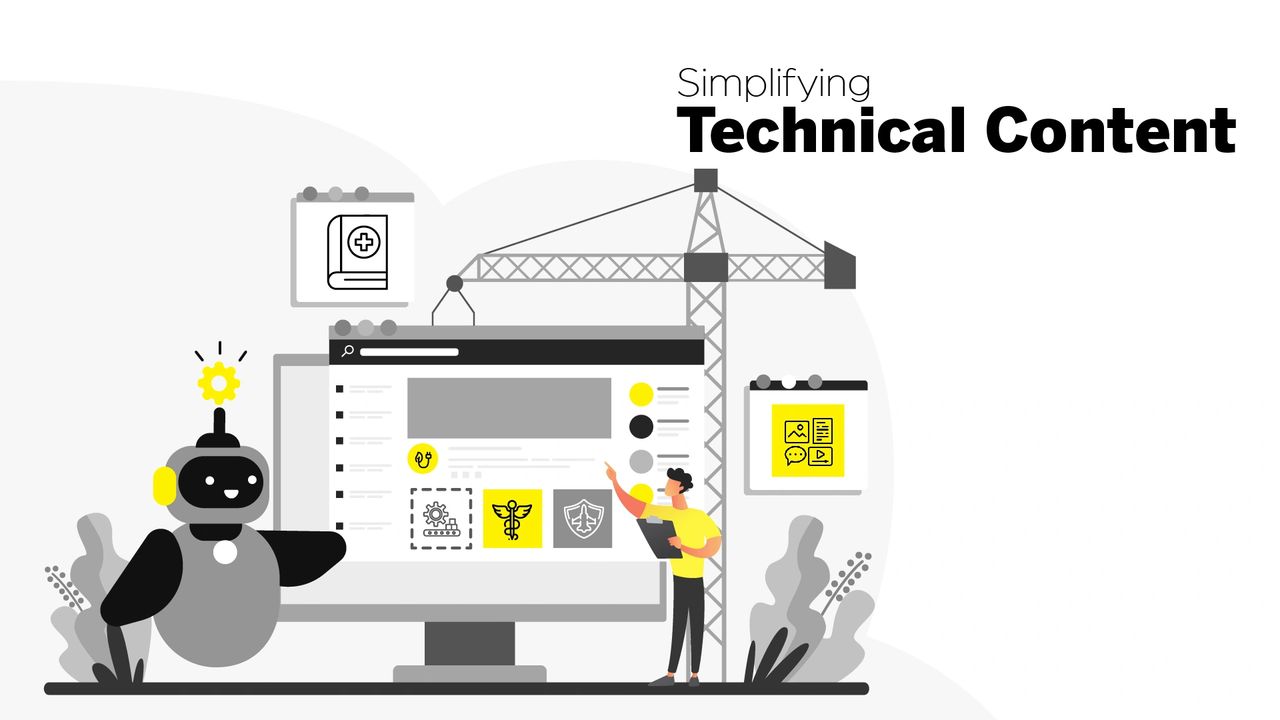
Complex technical subjects can leave learners feeling overwhelmed. How do we make such content accessible to a diverse group of learners, without oversimplifying critical information?

AI steps in as a powerful ally. With the help of AI, IDs can: 

  • Extract key concepts
  • Define key terms
  • Obtain takeaways
  • Simplify dense topics
  • Suggest analogies, metaphors, and adaptive explanations
  • Reword content for various learner levels

Since AI provides this starting point, IDs and SMEs can work more efficiently, spending less time deciphering technical jargon and more time focusing on designing engaging eLearning experiences. 

Storytelling is a powerful tool in eLearning to encourage critical thinking and promote behavioral change by making content relatable. AI elevates it further. With AI, IDs can create rich, compelling narratives that captivate learners and make learning memorable. 

AI-powered tools can provide great ideas for: 

  • Dynamic narratives
  • Realistic scenarios, characters, and dialogues
  • Role-based simulations
  • Instructive decision-making paths
  • Adaptive storylines

AI even helps instructional designers tailor scenarios to different cultural and industry contexts, ensuring that learners see diverse and relatable representations. 

Every learner is unique in terms of their needs, prior knowledge, and how quickly they learn. Traditional eLearning often follows a one-size-fits-all approach in which all learners move through the same content in the same sequence, sometimes at the same pace too. But this often leads to disengagement. Some learners may find the material too easy. Others, on the other hand, may struggle and need additional support.

What if you could deliver a truly personalized learning experience to a diverse group of learners? AI makes it possible.

By analyzing a learner’s background knowledge, skill level, and performance, AI can be used to recommend:

  • Dynamic branching and learning paths
  • Personalized modules, assessments, and additional resources
  • Real-time feedback and performance insights
  • Adaptive reinforcement activities 

This offers a huge advantage in keeping learners engaged. This ensures that learners get the right level of challenge without feeling frustrated or bored. 

This is just the beginning. As AI continues to evolve, its role in instructional design will become even more impactful. 

Future advancements will further enhance feedback processing, minimizing review cycles and accelerating content development. 

AI will also improve adaptive assessments that respond in real time to learner performance and provide deeper insights into engagement and knowledge retention.


Final Word

AI is actively amplifying the role of an instructional designer.  

At Constellar, we have been deliberate and strategic in integrating AI into our instructional design workflow. We carefully leverage its strengths to improve efficiency without compromising quality. AI helps us with streamlining tedious formatting tasks, making technical content more accessible, enhancing storytelling in eLearning, and personalizing eLearning experiences.  

Meanwhile, our IDs concentrate on: 

  • Creating more value by devising effective learning strategies which align with business objectives
  • Ensuring that content is accessible, engaging and relatable
  • Working closely with SMEs and stakeholders to ensure eLearning drives performance and real-world outcomes 

Ultimately, AI acts as a co-creator, improving the process while IDs ensure that learning remains adaptive, inclusive, and meaningful. 

How do you see AI reshaping the future of your eLearning? Let’s talk!